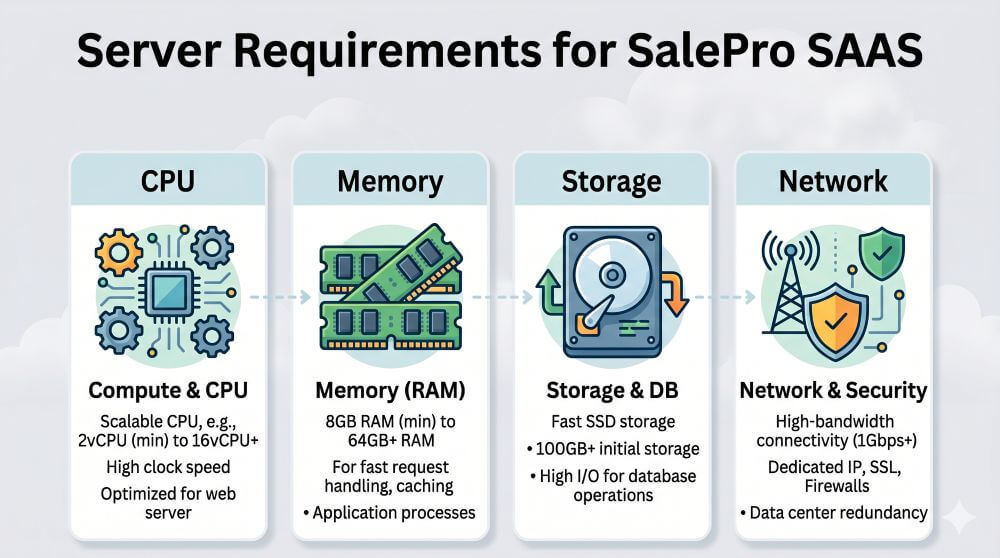
To ensure SalePro SAAS runs smoothly, make sure your hosting environment meets the following server requirements:
- VPS / Dedicated server recommended. Ensure it has MySQL root access (main phpMyAdmin access) and supports wildcard subdomains.
- In vps/dedicated server must have admin panel to upload files and db, we will not do it using command line.
- cPanel / Plesk based Shared hosting. We need cPanel API / Plesk API to create a database automatically for the tenant/client.
- It needs to be installed on root domain. Cannot be installed on sub-domain/sub-folder.
- Wild Card Subdomain (https://*.your_domain.com) must be supported. Ex: https://foo.xyz.com , https://acme.xyz.com
- SSL certificate for main domain and all sub-domains (wildcard).
- Generally, cPanel-based shared hosting supports automatic SSL certificate enablement for wildcard subdomains. However, many Plesk-based shared hosting plans do not support automatic SSL certificate enablement for wildcard subdomains. If not supported, you need to manually enable SSL certificates for tenants’ subdomains.
- PHP 8.2+
- Ctype PHP Extension
- Fileinfo PHP Extension
- JSON PHP Extension
- Mbstring PHP Extension
- OpenSSL PHP Extension
- PDO PHP Extension
- Tokenizer PHP Extension
- XML PHP Extension
N.B: We don’t provide support in the localhost (except online server).
We do not provide support for command-line-based servers accessed via SSH. To proceed with the setup, you must provide Database user which has root privileges and File manager to upload files. These are required to install on your VPS or dedicated server.